Get This Template
Get the
Digital Brain OS
✓ Free Updates
✓ One-Time Payment
✓ Lifetime Access
WHAT IT IS
Design a digital life where every piece of information is easily accessible — one that organizes every detail into one structured hub — and gives you the clarity and control to find what you need, when you need it.
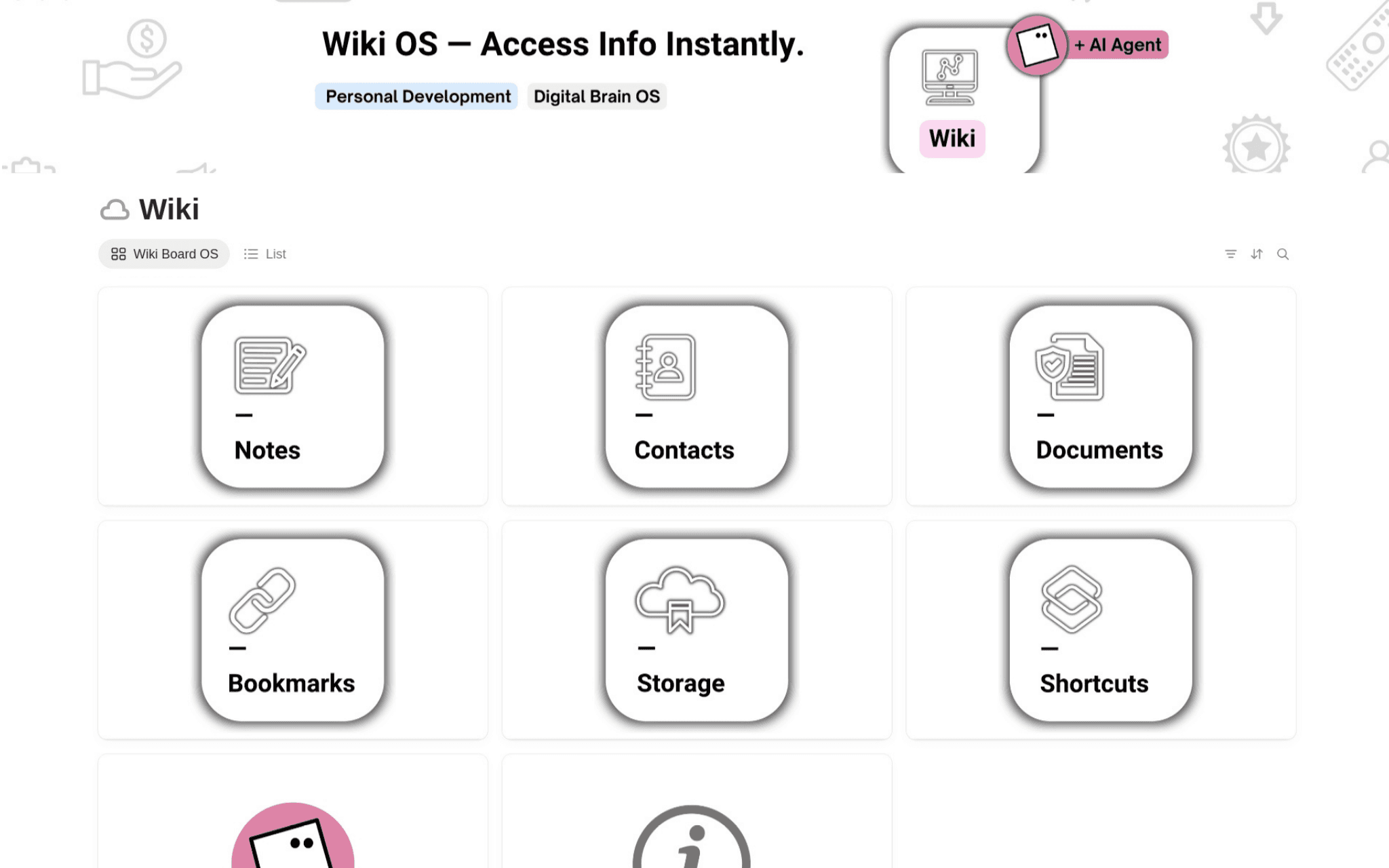
An all-in-one personal wiki system built inside Notion — six templates covering your notes, contacts, documents, bookmarks, storage, and shortcuts, organized in one clean command center.
6 Templates
WHAT IT HELPS YOU DO
Imagine opening that dashboard and knowing exactly where everything lives — your saved links, your key contacts, your important files, all right there.
No more digging through folders, searching across apps, or second-guessing where you saved something. Instead, you feel organized, in control, and confident — because your information is structured, visible, and always within reach.
This OS helps you capture, organize, and access your most important information. It's not just about storing data — it's about building a personal knowledge hub that actually works for the way you think and live.
A sneak peek inside


What's included
Support, answers and structure.
Three things that make the change actually stick.
The Process
From duplicate to daily use.
Example entries
Multiple views
Flexible layout
Light / Dark
Any Notion plan
What makes this special
"Most systems only store information. This one helps you organize, maintain, and access it — exactly when you need it."
This isn't just a Notion template — it's a personal information management system. Thoughtfully designed to reduce digital clutter and support your everyday life, it functions like a private HQ: structured and completely yours.
This is your system — the one that holds your information, your files, your connections, and your digital life in one place. Get the Wiki Board OS and bring clarity back to your digital world — one organized space at a time.


