How It Works
One system to turn the life you imagine into reality.
No setup, no plugins — it works the moment you open it.
One Click adds Digital Brain OS to

Workspace
The Process
From duplicate to daily use
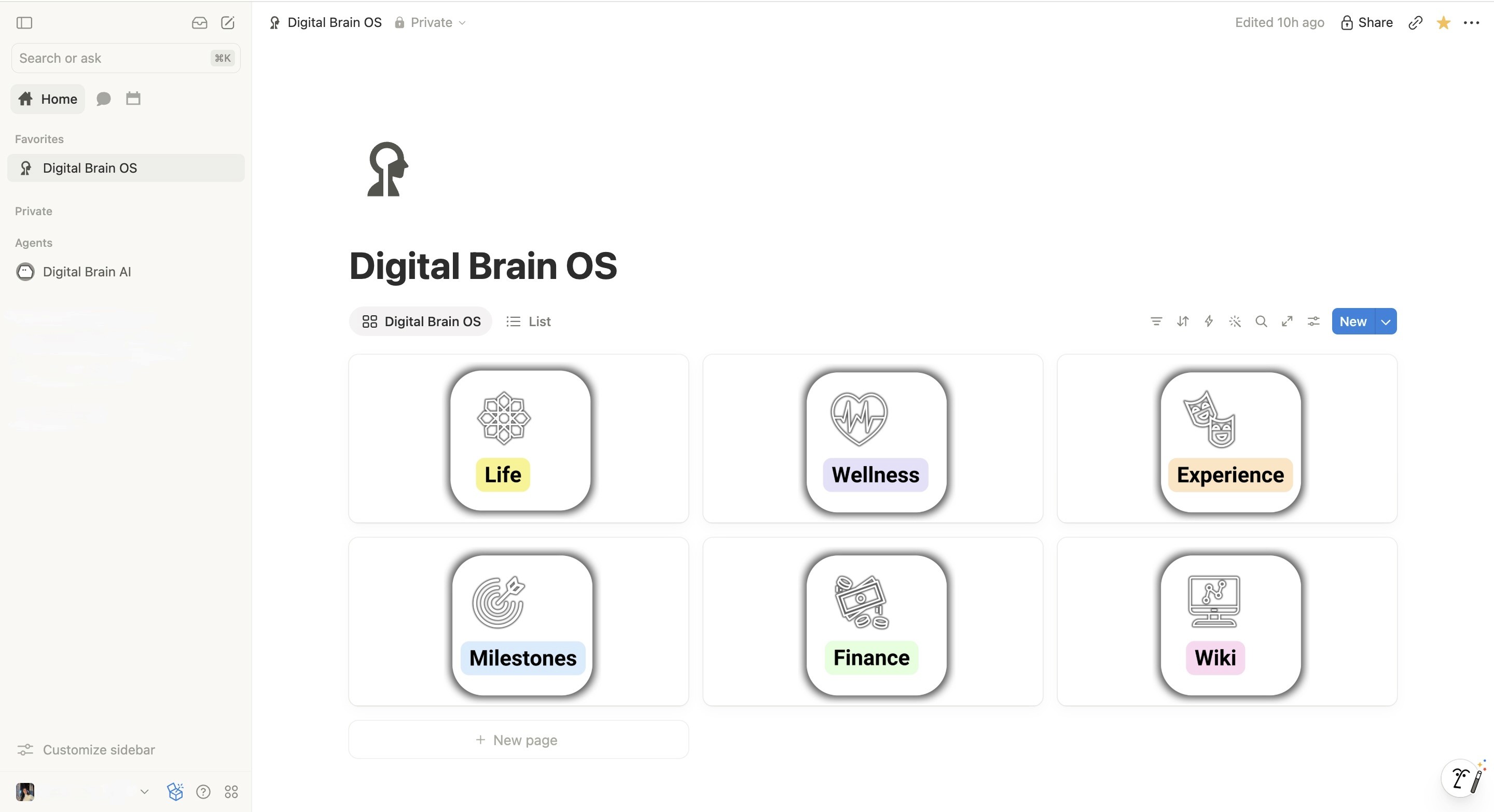
Inside the system
Sound familiar?
There's a better way to hold it all.
The feeling of finally being on top of everything. That's what this is.
The honest part
You've probably experienced this before.
Why this one
Every other option asks you to build it.
This one already runs.
SYSTEM
Designed differently
Not just a productivity system.
Start with one, add the rest later
Each system stands alone and connects when the next one arrives. No migration, no rebuild, nothing thrown away.
Plain language, no methodology
No PARA, no second-brain vocabulary to learn first. Pages are named after what you'd actually call them.
Nothing locked, customize everything
Every database, view, and formula is unlocked, the copy lives in your workspace, and updates arrive free for life.
No complicated databases
A few properties and the views you already need. Nothing to configure before you can start using it.
Before you talk yourself out of it
You don't have to be organized already.
That's the whole point. If you already had it together, you wouldn't need this.
Who you become
You don't need to do more. You need to stop keeping it all in your head.
The same person, a few weeks apart.




What's included
Support, answers and structure.
Three things that make the change actually stick.
The all-in-one productivity and organization app.
Think of it as a flexible digital workspace where you can combine notes, documents, task lists, databases, calendars, project tracking, and AI features in one place. Digital Brain OS is built inside Notion. It is a set of pages and databases inside it, already built, that you duplicate into your own workspace in one click.


I build templates that run inside Notion. I'm not a Notion employee, partner, or reseller, and Notion Labs, Inc. has not reviewed or endorsed Digital Brain OS.
The plan and the schedule, finally the same thing.
This is what sets Digital Brain OS apart: one calendar database sits at the center of the workspace and every system feeds it — tasks, habits, bills, trips, deadlines, each tagged with the area it came from. Connect that single database to Notion Calendar once and the loop closes: plan in the template, reschedule on the calendar, reflect back in the template.
Read your week without reading a word.
Each system carries its own color through every database, view, and calendar event. A glance tells you whether the week is all work and no rest, or whether three bills landed on the same day as a trip.
That's the part a generic calendar can't do: your events arrive already sorted by which part of your life they belong to.
A helper that already knows where everything goes.
Most AI tools start from nothing and ask you to explain your life. The agents inside Digital Brain OS are built on top of your workspace — they know your databases, your colors, your routines. Every OS Collection ships with its own agent, and the full system adds a master agent that reads across all six.
It assists your thinking. It doesn't replace it.
The agent drafts, sorts, and summarizes. You decide what matters, what to keep, and what your week should look like.
Agents run on Notion AI, a paid add-on from Notion. Everything else works on any plan, including the free one.
Built like a self-paced coaching program.
✓ Free Updates
✓ One-Time Payment
✓ Lifetime Access
